CSSBuy Spreadsheet Guide: how to scan finds before opening links
Use CSSFinds to compare categories, product photos, availability labels, update dates, view counts, and converted USD prices before choosing a product.
CSSFinds Blog
Guides, shopping notes, QC checklists, and spreadsheet research updates for CSSBuy product finds.
Use CSSFinds to compare categories, product photos, availability labels, update dates, view counts, and converted USD prices before choosing a product.
Each card is built for fast scanning: category, product title, source-style brand text, last updated date, price, views, image, and a direct View action.
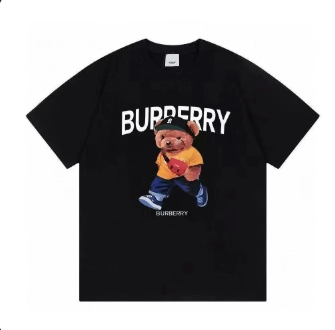
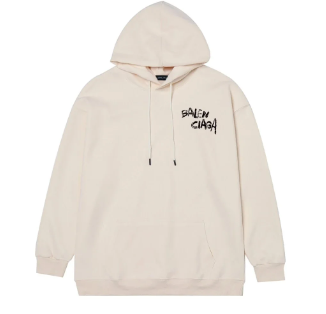
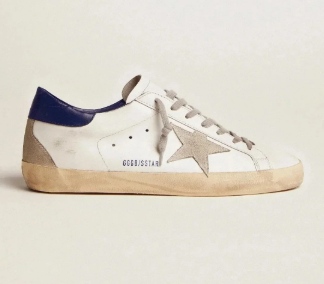
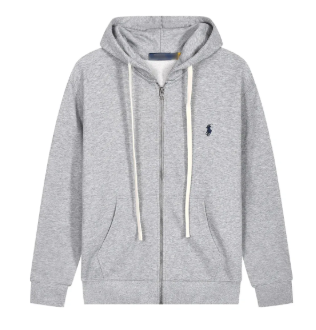
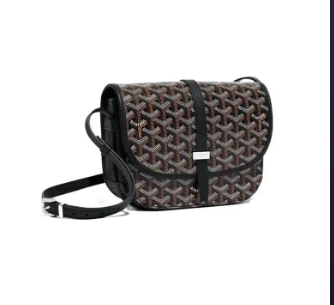
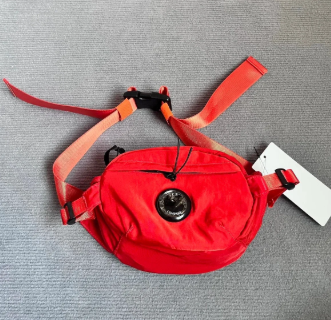
Check shape, stitching, material texture, logo placement, color, sizing notes, and product angle consistency before deciding whether a find is worth opening.
The shoes page keeps sneaker-style finds together, making it easier to compare shape, colorways, pricing, and update freshness without sorting through every category.
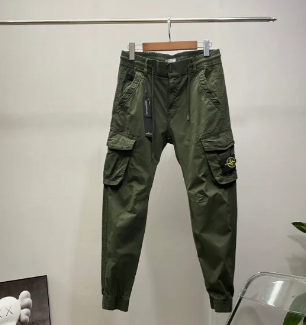
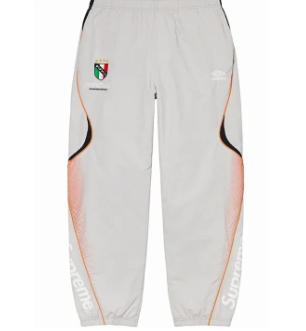
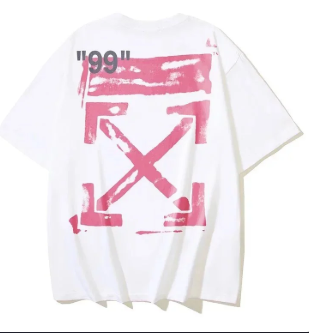
For apparel finds, compare the product image, fit type, print placement, fabric weight hints, recent updates, and converted price before moving forward.
Bags and accessories can be difficult to compare in a mixed feed, so CSSFinds separates them into focused pages with clear images and quick product actions.
Converted prices make the spreadsheet easier to scan for international shoppers, while the original CNY reference can still guide final order checks.
The pants page keeps cargo, denim, and track-pant style finds together so shoppers can compare images, status labels, pricing, and update dates faster.
Availability labels help shoppers understand which finds are ready to inspect and which items may need extra checking before opening the product page.
FAQ answers practical questions quickly, while Blog gives longer guides for product research, category browsing, QC checks, and spreadsheet workflows.
More CSSBuy research notes will be added as the spreadsheet grows.